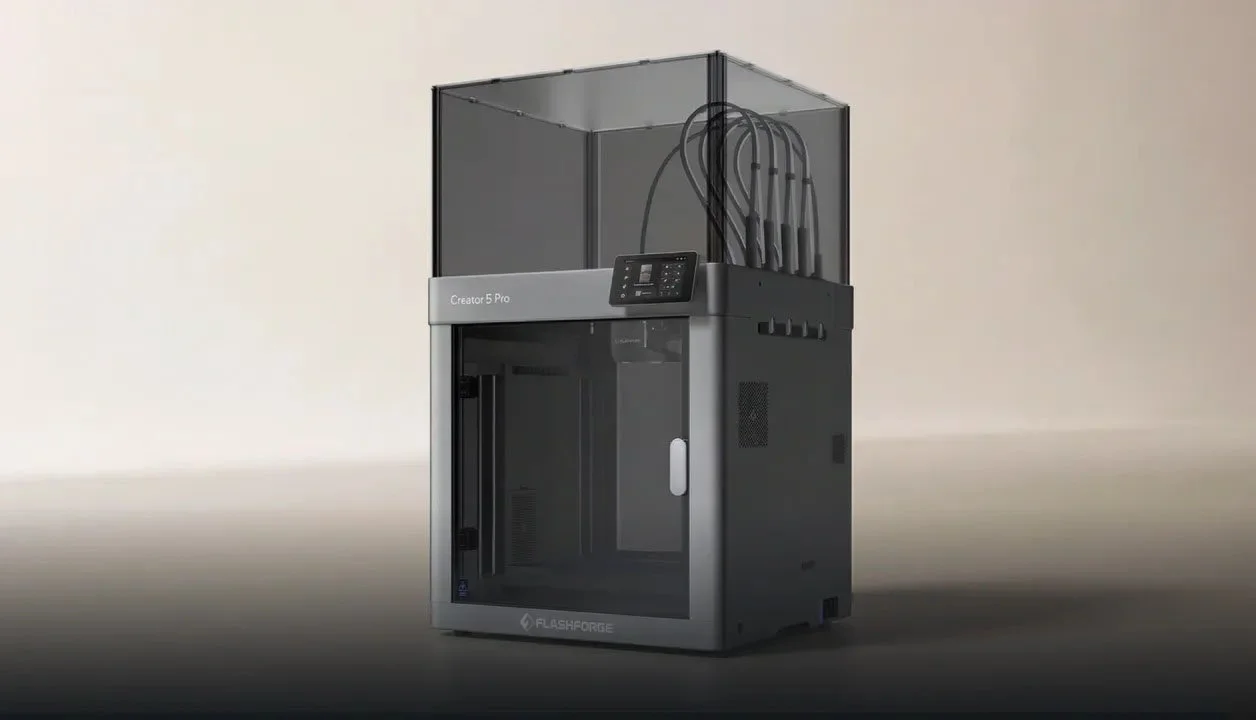
The Flashforge Creator 5 Pro is one of the most exciting multi-toolhead 3D printers to hit the market, featuring a 4 tool-changer system designed for multi-colour and multi-material printing.
I was recently lucky enough to be invited by a local 3D printing reseller here in Australia called CD-Soft Educational Resources to come and take a look at this new unreleased 3D printer. So of course I said yes and today I'm going to go over my first impressions with the printer as well as show off some of the models printed on this new machine.
Build Quality and Design
The Creator 5 Pro features a fully enclosed plastic exterior, including the top hood, front door, and rear window. Despite being more affordable than the Snapmaker U1, the printer actually feels more solid and premium in person.
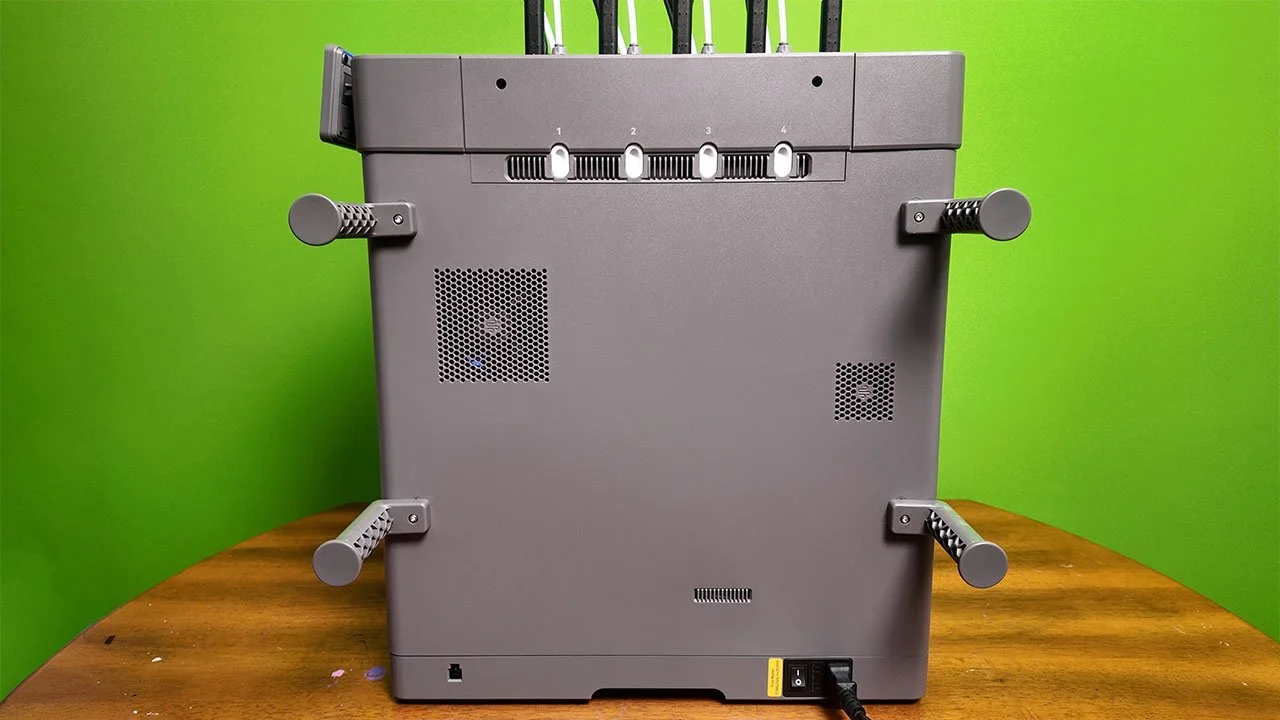
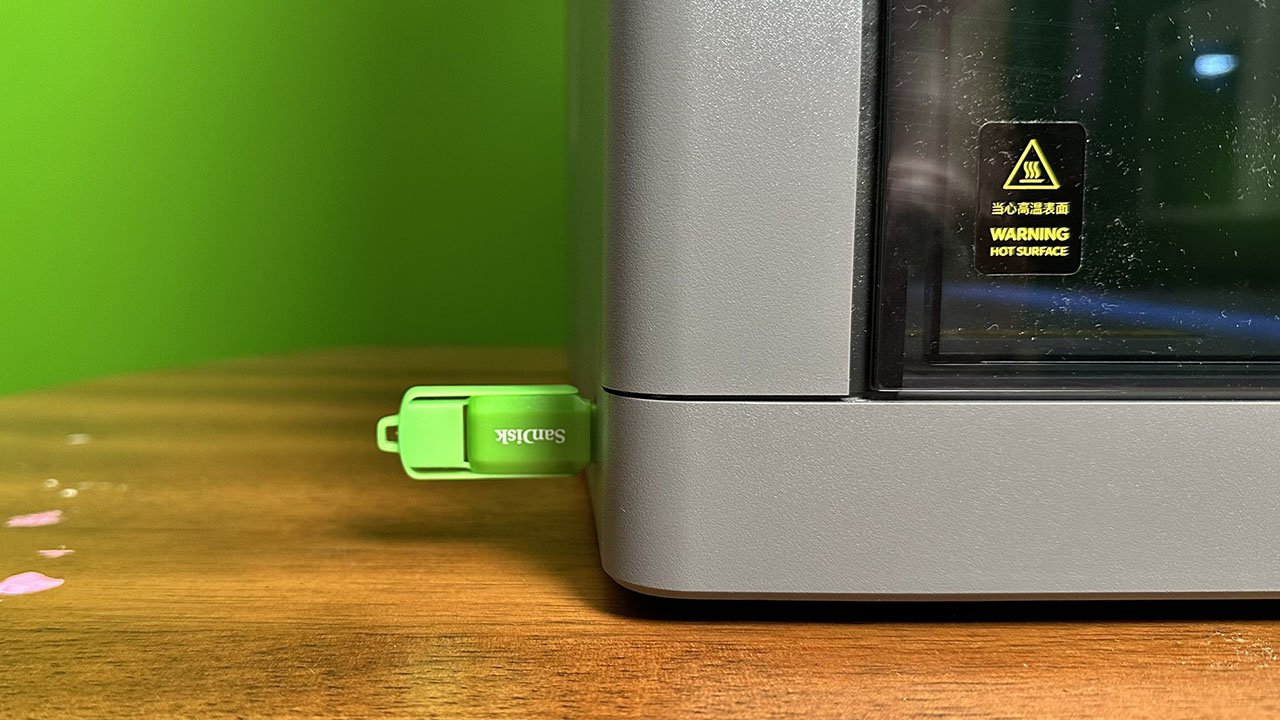
On the right side of the machine, you’ll find the spool holders and power button, which is a great design choice for accessibility. However, the USB port is oddly placed on the left side, meaning a plugged-in USB drive sticks out awkwardly and could easily be damaged.
Also on the right side is an accessory port for the upcoming VDS unit—a 4-slot AMS-style system that will function as both a filament management system and dryer.
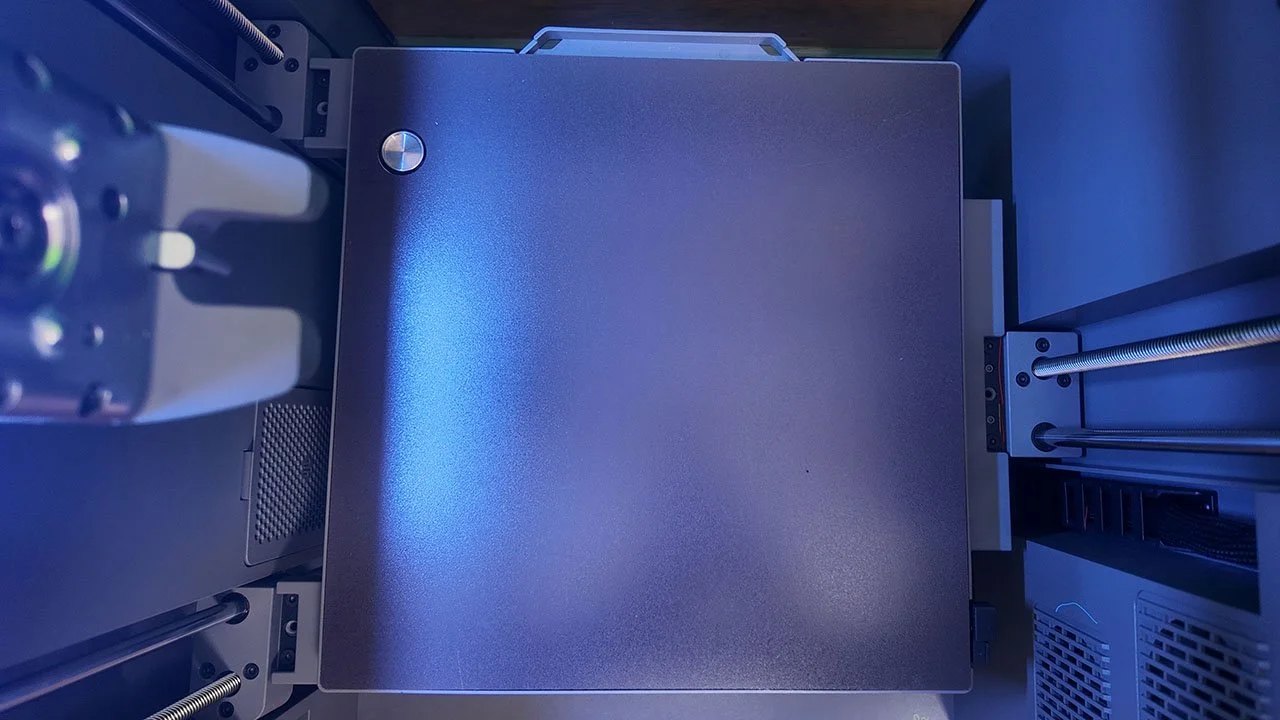
Under the gold-textured PEI build plate, there’s a small circular calibration area used for multi-toolhead offset calibration, ensuring precise alignment between toolheads.
I've said this before and I’ll say it again, I love that Flashforge have mounted the toolheads on the right side of the machine instead of the back.
This makes a big difference when it comes to:
Performing maintenance
Loading & unloading filament
and turning the machine on and off.
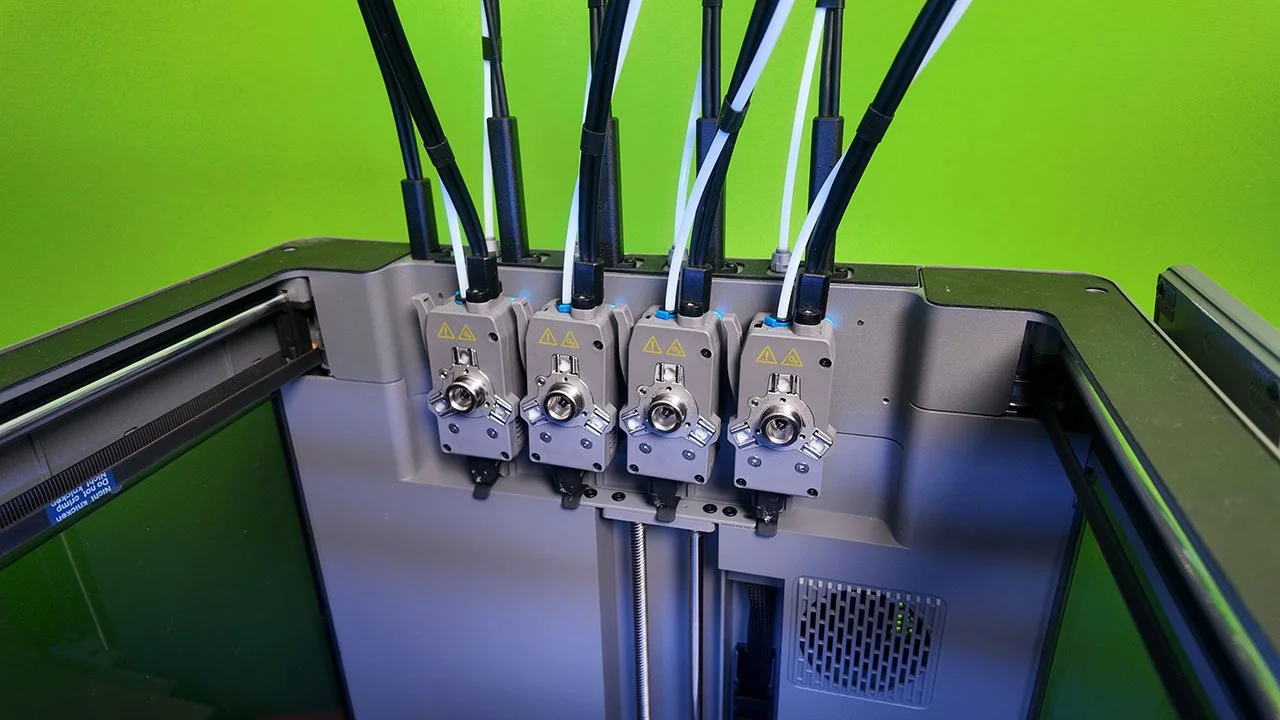
I’m also a big fan of how all the toolheads come pre-connected to a module that just simply slides into the side of the machine. It’s very clever and very simple!
Each toolhead is secured using dual alignment pins and a magnetic locking system making installation quick, secure, and hassle-free.
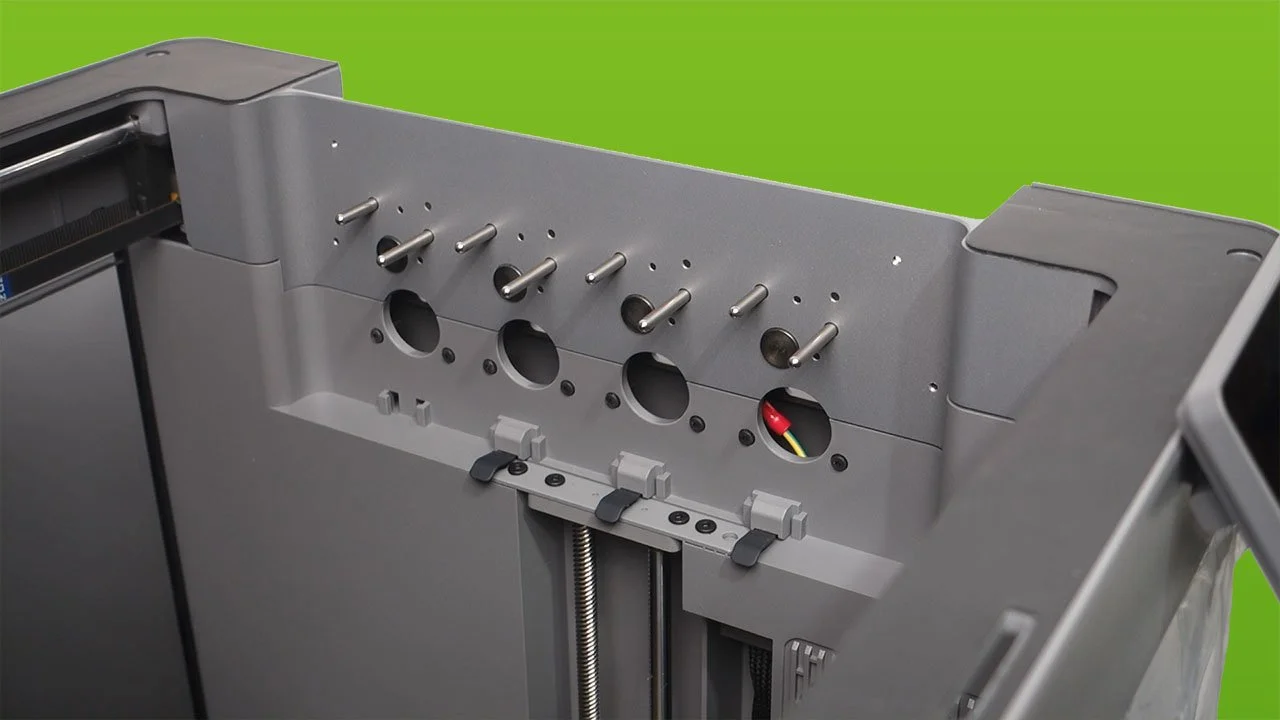
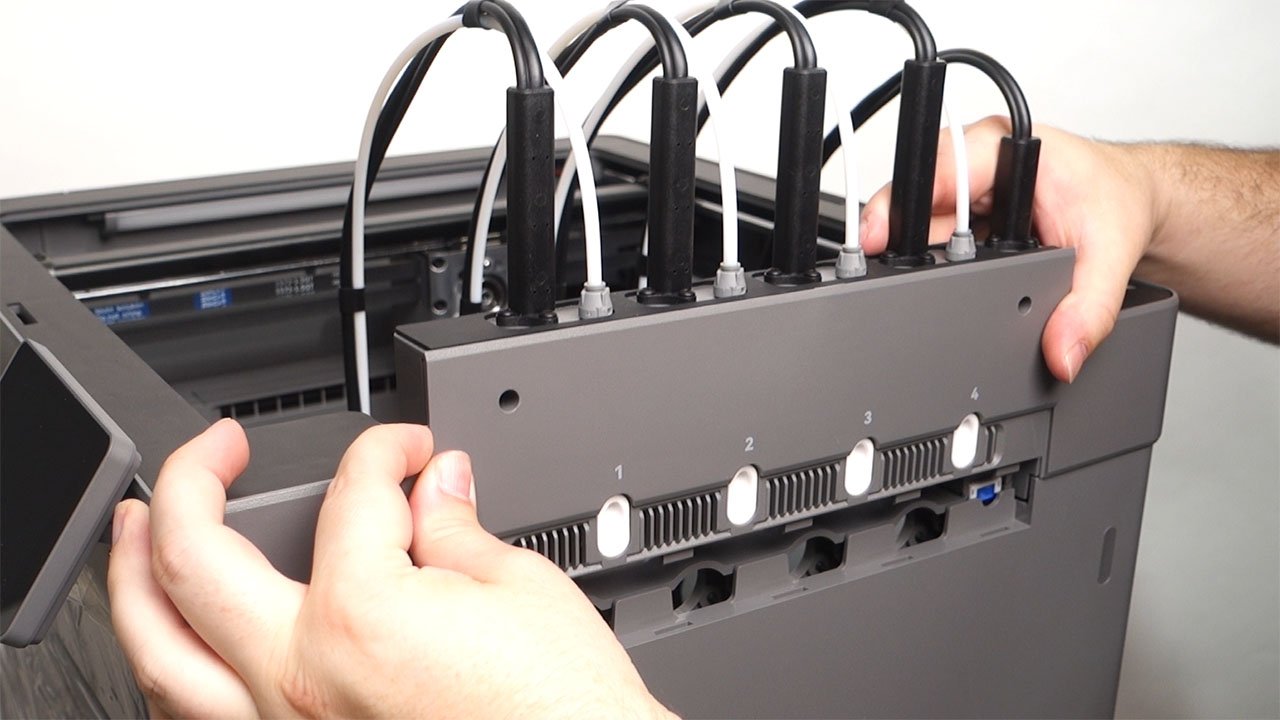
Hotend Options and Toolhead Design
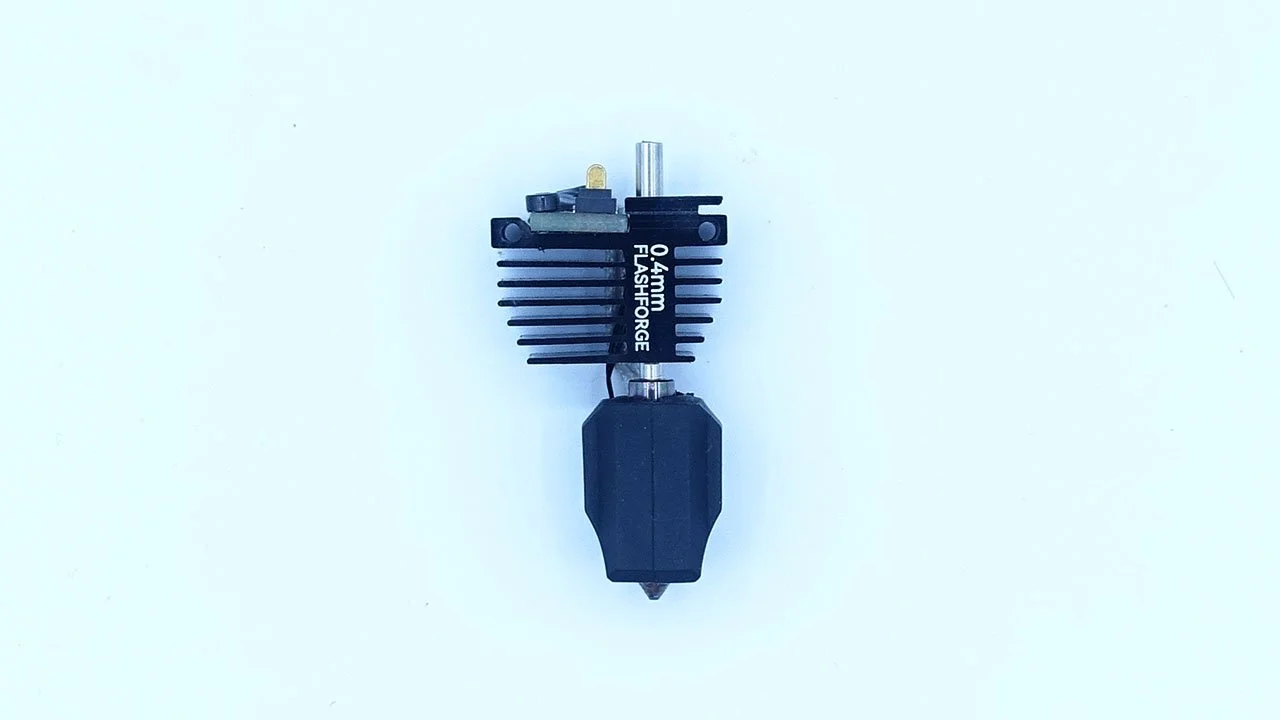
The Creator 5 Pro ships with a 0.4mm nozzle by default, with additional sizes (0.2mm, 0.6mm, and 0.8mm) planned for later release.
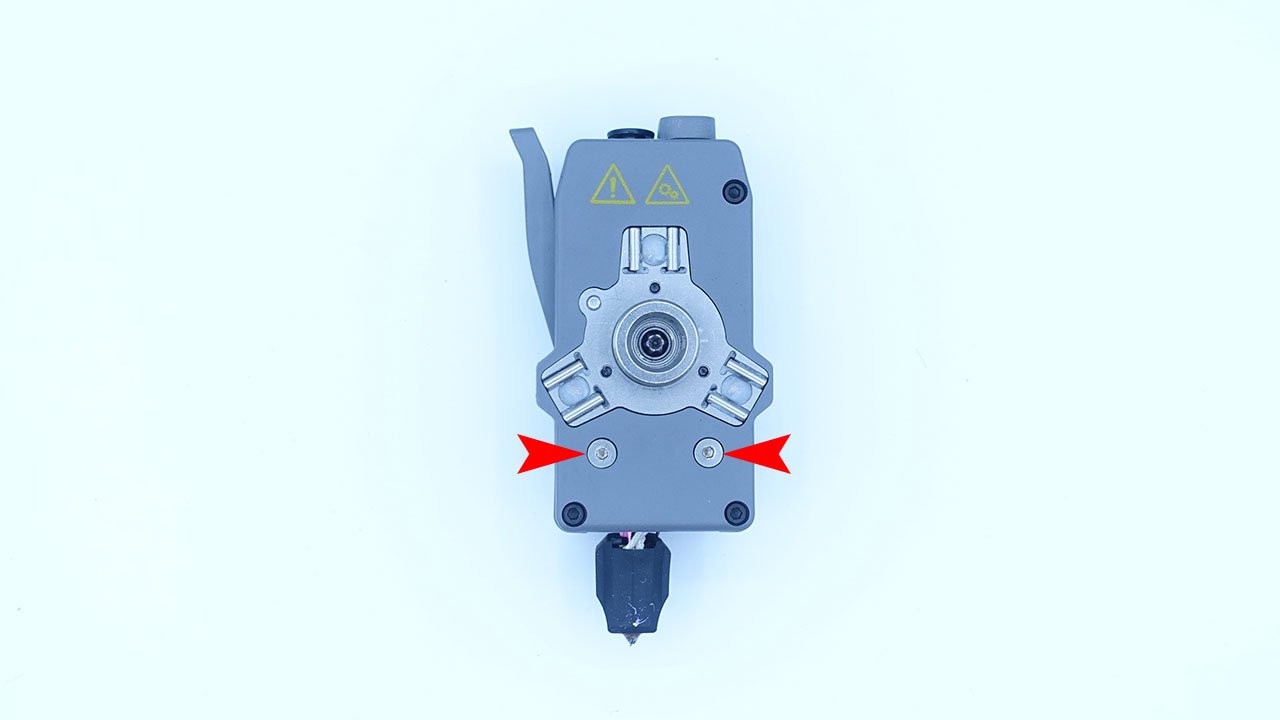
Swapping hotends is incredibly simple:
Remove two silver screws on the toolhead
Then pull down on the hotend
One thing that surprised me was the compact size of both the toolheads and nozzles, especially compared to the Snapmaker U1. This smaller design should make maintenance easier, part replacement quicker and overall servicing more efficient!
User Interface and Ease of Use
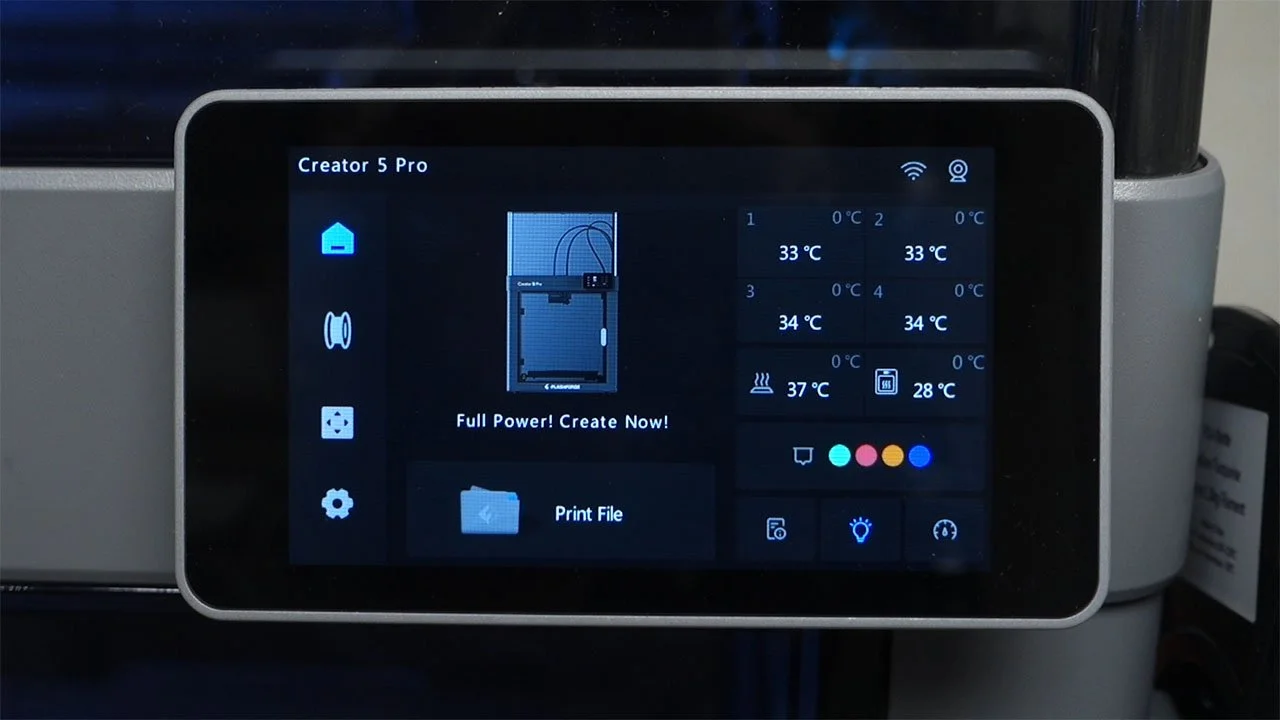
Just like with their previous printers, Flashforge continues its trend of delivering a clean, intuitive user interface.
The touchscreen is:
Responseive
Easy to navigate
Beginner-friendly
And well-suited for first-time 3D printer users
This makes the Creator 5 Pro a strong option for both beginners and experienced makers.
Print Quality and Test Prints
Now I didn't have a lot of time with this printer so I've only got a few models to show off.
A pre-loaded dog model
A pre-loaded 3DBenchy
A 4 colour 3DBenchy
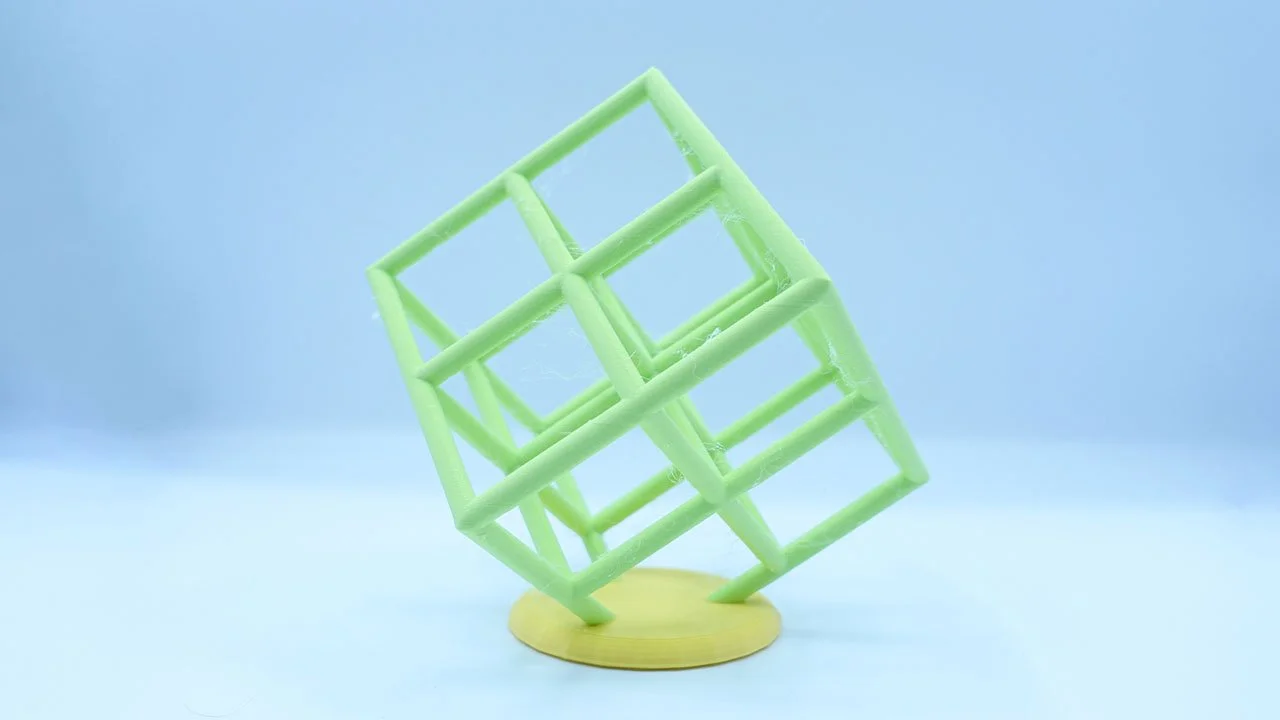
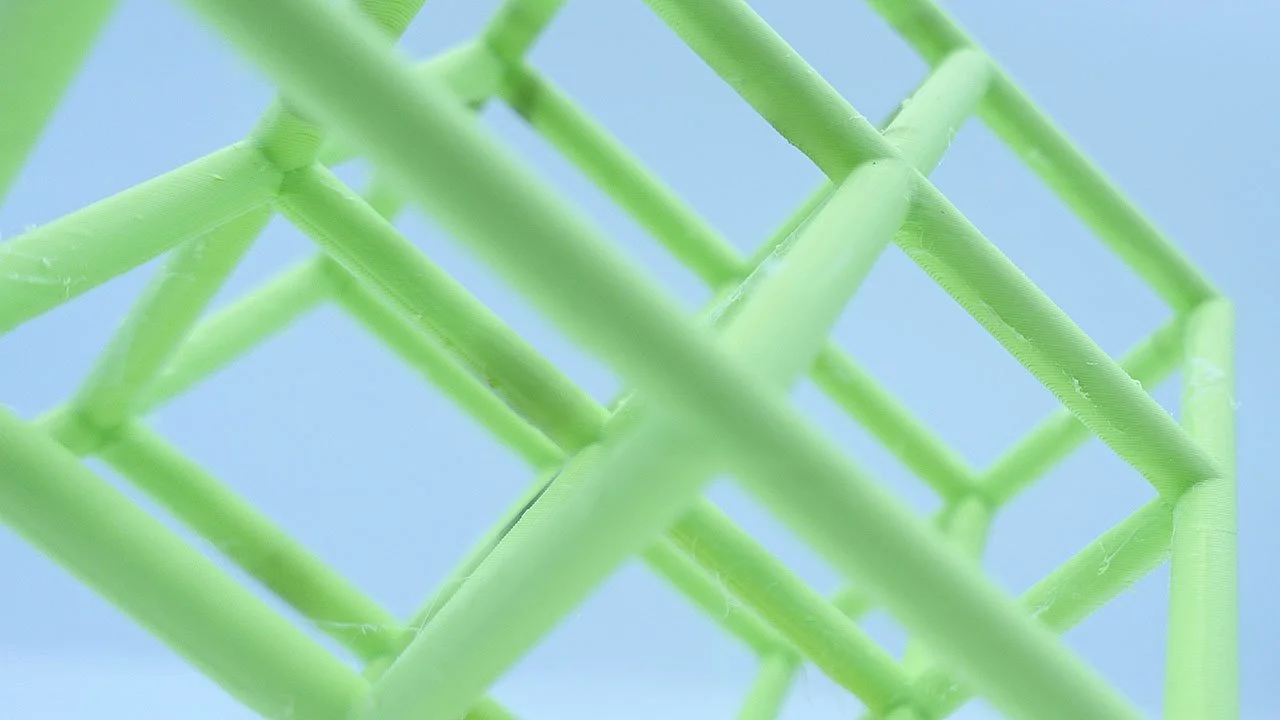
& a lattice cube
The pre-loaded dog model looks fantastic! It perfectly shows off what this printer can do in terms of multi-colour printing and shows the benefit of separate toolheads as there is not colour bleed present at all. I probably would have sliced this with variable layer height set to ensure the top looks as good as possible but apart from that it’s a fantastic multi-colour print.
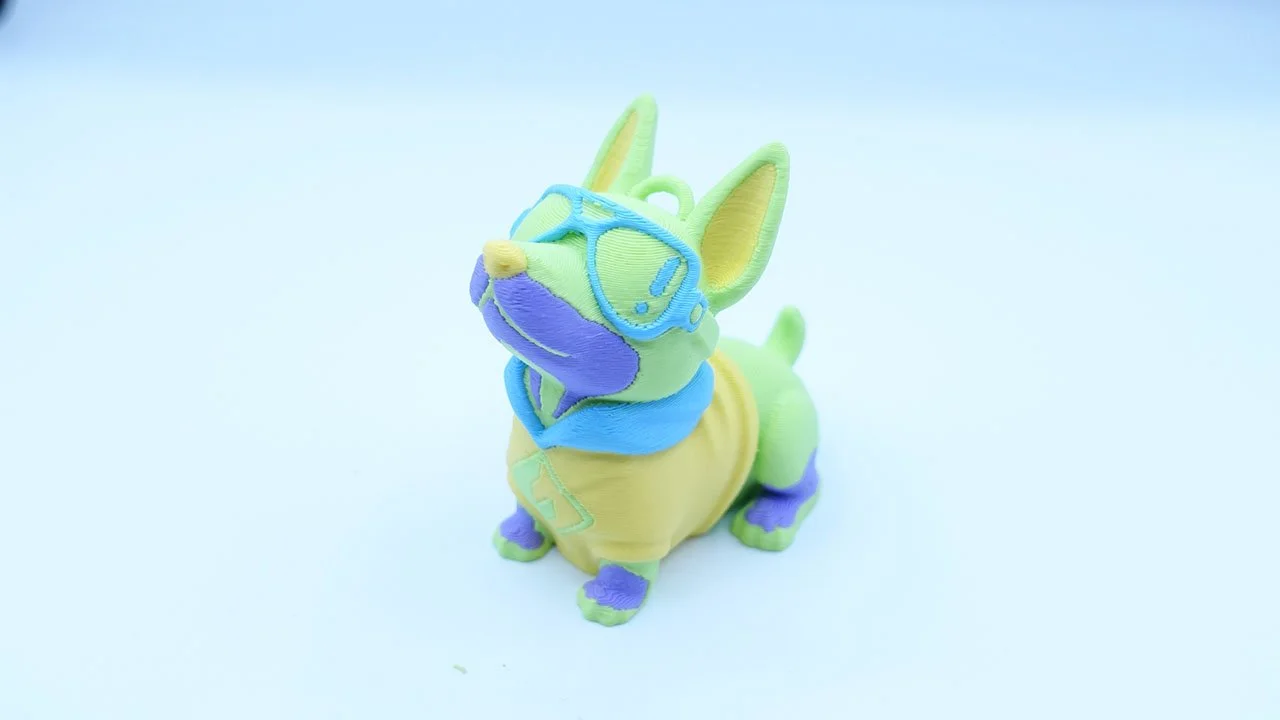

One thing that I hope Flashforge can add is the ability to map the colours for the pre-loaded files cause currently you can't so I had no idea which colour was going to be for what part of this model until it was printing.
The pre-loaded 3DBenchy came out great and I would say it’s on par with prints I've seen from a Bambu Lab P1S. I was however very surprised to find that the pre-loaded 3DBenchy was only a single colour and not a four colour model, kind of a missed opportunity here.
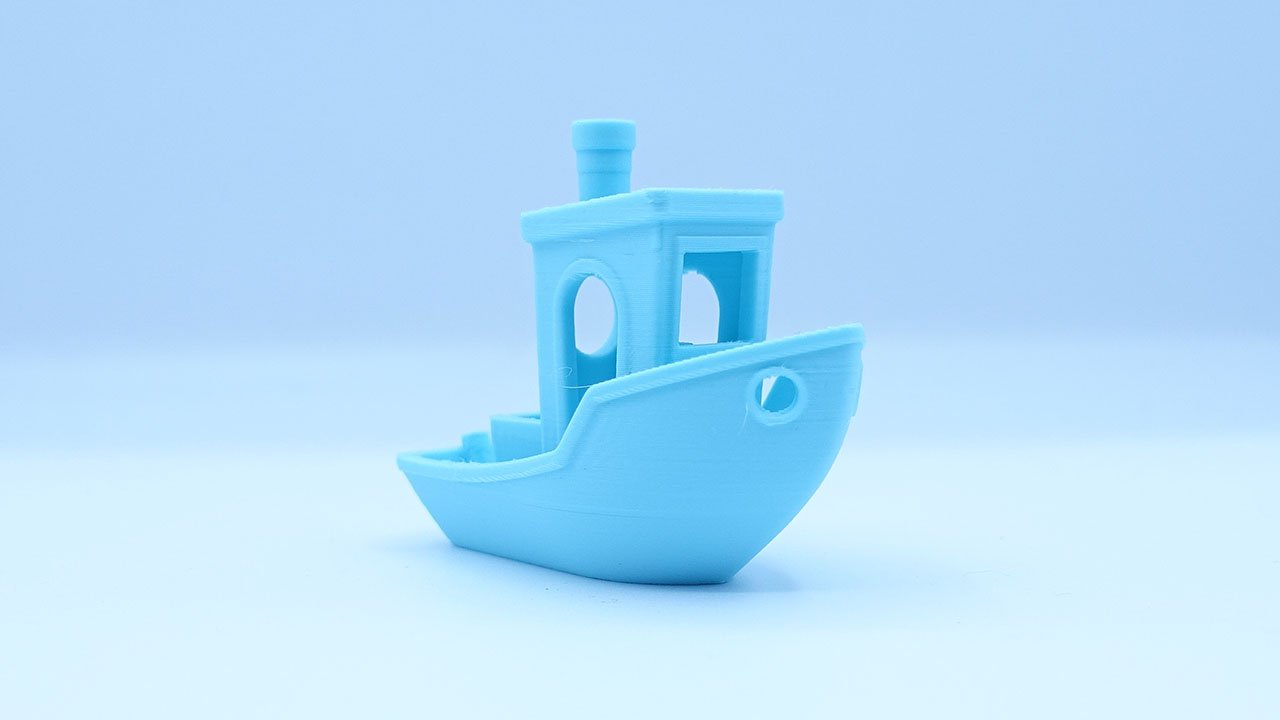
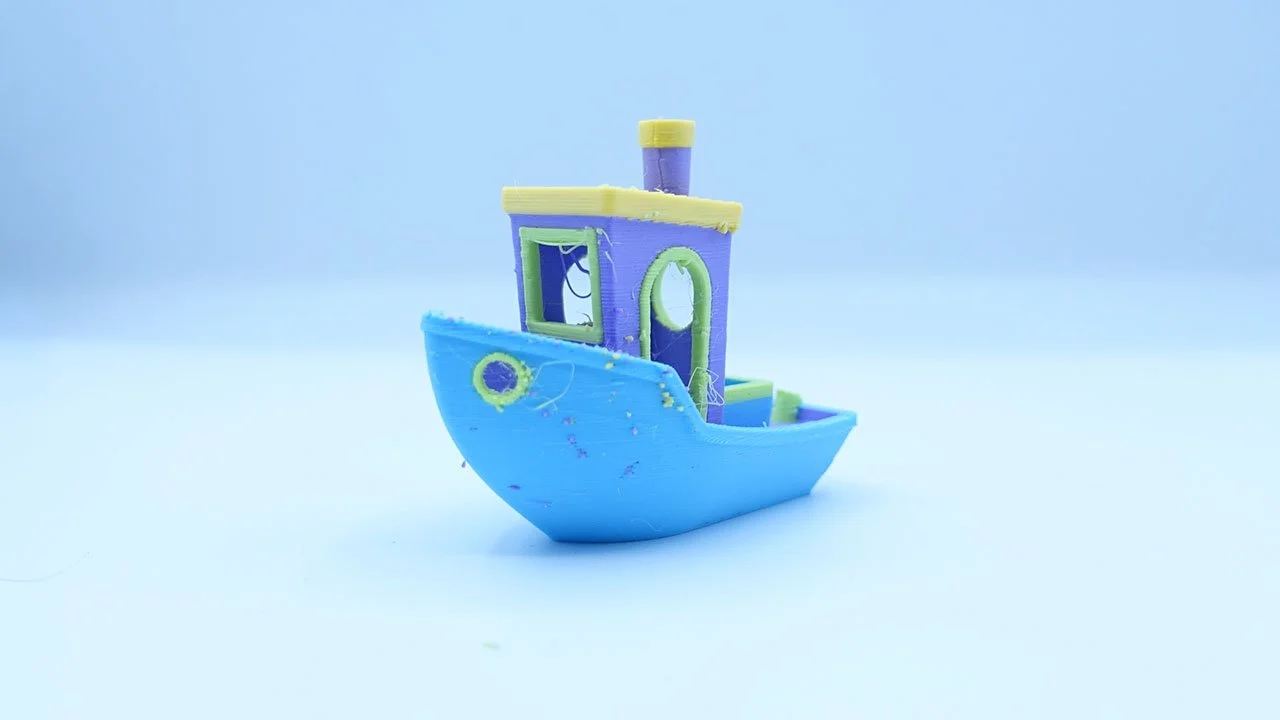
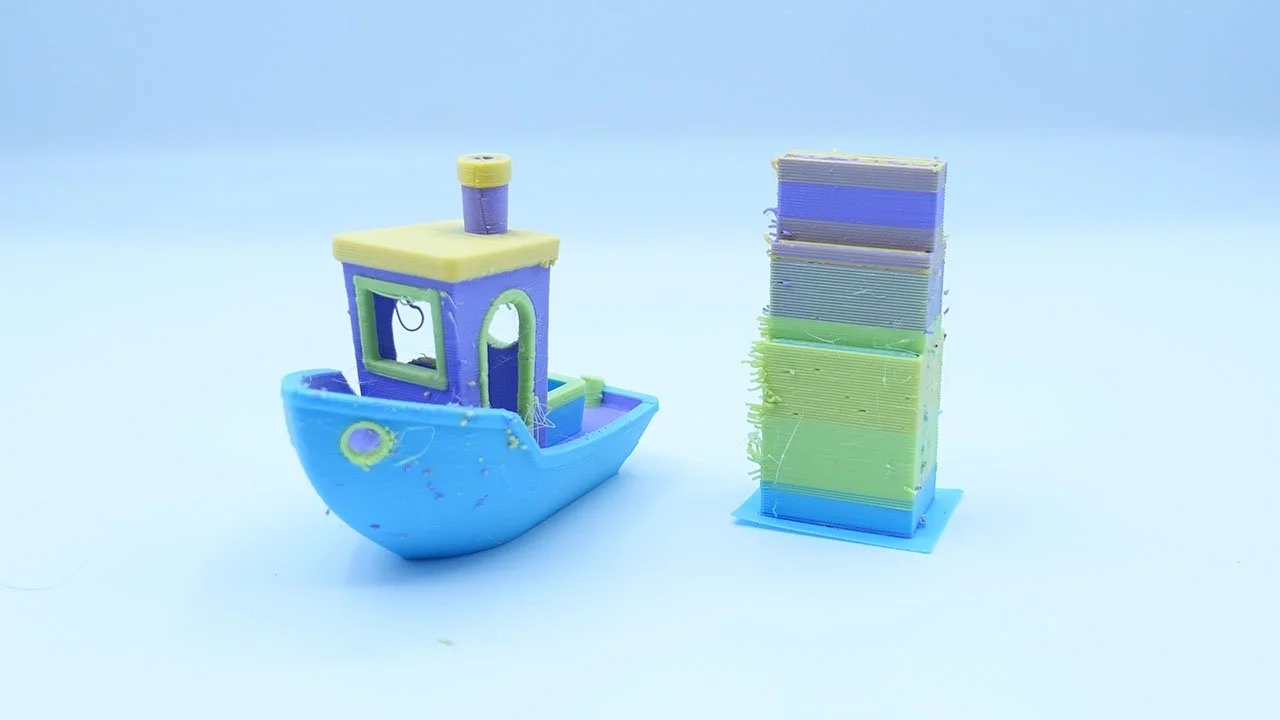
As I mentioned above, the pre-loaded 3DBenchy was only a single colour model so you know I had to slice a four colour version.
The four colour 3DBenchy looks ok, it’s not fantastic. As you can see on the right side there are some coloured specs on the print. I do however believe that this was a slicing error on my end as I also tried to significantly reduce the prime tower and had it placed quite close to the model. If the prime tower was further away and slightly bigger I think the issue would be solved.
This lattice cube honestly shocked me. Apart from the stringing, it may just be the best lattice cube I’ve ever printed on a 3D printer! The overhangs look amazing and it’s the first time I’ve had to really pay attention to the model to try and nit pick. Usually the overhangs at the back of the model look quite bad due to poor cooling, however that is not the case here at all! It’s a really impressive print!
Final Thoughts
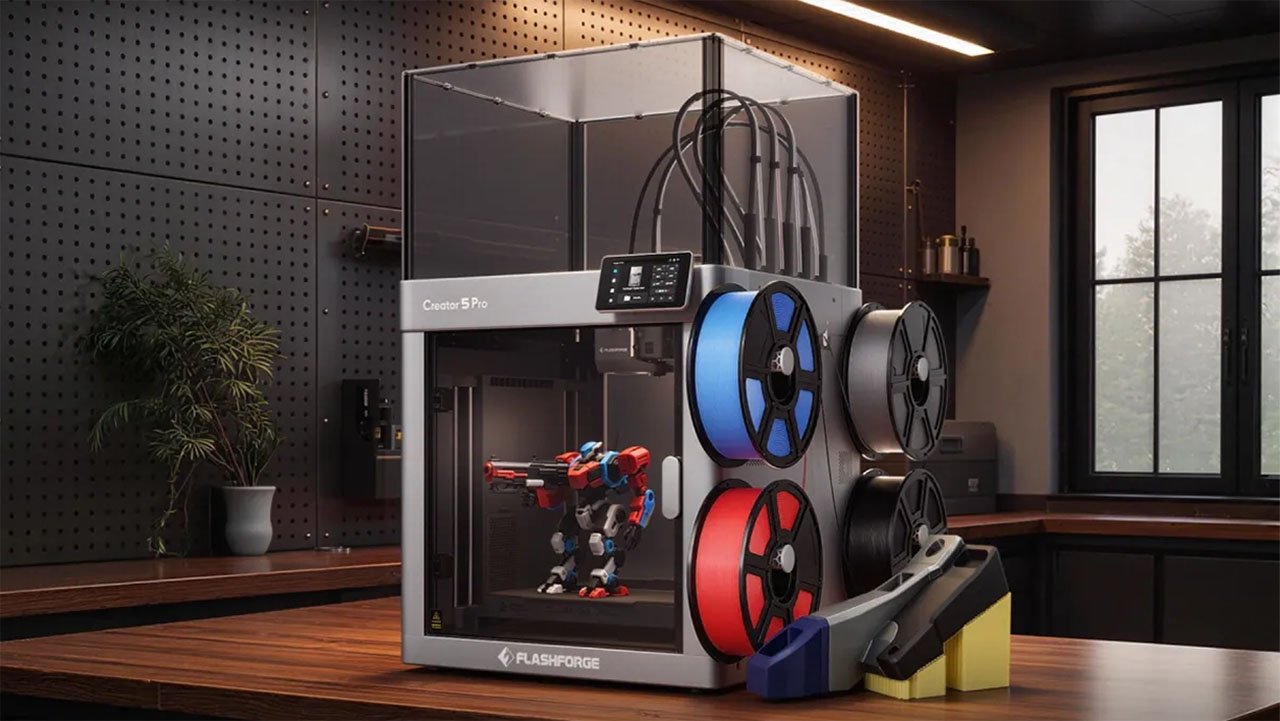
Overall I'm very impressed with this printer so far, which I am very happy about as the last 3 models from Flashforge haven't had the greatest track record straight out the gate.
It looks like they have done the claimed 300,000+ hours of testing and its fantastic to see.
Thanks again to CD-Soft Educational Resources for inviting me to take a look at this fantastic new printer, if you're in Australia and looking to pick up a Creator 5 Pro you can pre-order one now through CD-Soft's website. If you’re outside Australia and looking to pick one up you can pre-order one directly through Flashforge’s website.